I love the ease with which we can share photos with family and friends these days. Especially with something like a family trip, everyone is taking pictures, and someone always has that perfect shot that I want to "borrow."
How do you like to share photos with family and friends? Email? Google Drive? Dropbox?
There are many online options, and Google Drive is a popular way to share photos with friends and family, but there are two big reasons I don't do it.
First, my photos aren't private in Google Drive.
Yes, that last item at the bottom is correct. Google's fine print allows them to host, reproduce, distribute, communicate, and use my content; publish, publicly perform, or publicly display my content, if I've made it visible to others. Which, if I've shared it with my family, I just have.
Second, Google Drive storage comes with a limit, unless I pay for it. I certainly don't want to pay to expand my limit when my photos aren't even secure or private there in the first place. And Google, of course, isn't the only one.
Let me tell you about my favorite way to not only keep my photos private but also share them easily with friends and family of my choosing. This method comes with a lot of *perks that I'll detail in a minute.
And, by the way, this is exactly why FOREVER came to be!
from the August 2024 All-Ambassador meeting
NOTE: I am a Forever affiliate (a decision I made because I love it so much), so you will find affiliate links in this post, from which I earn a commission if you make a purchase, at no extra cost to you.
Your free Forever account comes with 2 GB of free photo storage, which can house hundreds of photos. Most people take more photos than that, so if you need some you can purchase it here. (That's right: purchase. Not pay a monthly fee; you OWN it Forever!)
I'm going to tell you about the ideal way, where all parties involved have a secure Forever account, but this can go one-way, too.
If, for, example, I want to share some photos and videos with you, but you don't have a Forever account, I can send you a link to the album where I've saved my photos and videos. Like this:
Just click that and you can see an album I created of photos and videos about Forever!
From there, anyone can download whichever photos and videos they like from the album link you've shared. You just need to make sure that album is set to the "public" privacy setting so others can see it (and you can change the privacy setting later). There's even an option for others to upload their photos to the album if the album owner enables that.
The easier way, I think, is for everyone to have a Forever account so they can share through Connections securely and privately, guaranteed. This 4-minute video walks you right through how that works! It's so cool.
Oh, and speaking of guarantees, it's time to look at all the perks that Forever Storage includes. I made this list when I was first learning about Forever Storage and if I wanted to pursue Forever. Turns out: it's exactly what I want.
Keep in mind, too, that when you share your photos from your Forever Storage with your Connections and/or Groups as shown in the video, they can not only look at your photos from the albums you've chosen to share with them, but they can download the photos they want as well! Say goodbye to 30 minutes of going through each other's phones and airdropping photos to yourself every evening of a trip!
And don't forget about the free Forever app, too! We really need conveniences for our photos these days.
Someone told me recently that he looks at storing his photos in a secure, triple-backed-up place like Forever that will guarantee they'll be passed on to another generation is like photo insurance. Well said!
And there you have it! This is how to share photos with family and friends privately and securely without using Google Drive. Give it a try. I'm guessing you'll love it as much as I do.
Share this post on Facebook, Twitter, LinkedIn, etc., using the share buttons at the left, and Pin this image to Pinterest to save it!
Follow Photo & Story Treasures on social media here:
Photos are intended to make us happy. Have you ever thought about that? Happiness is the purpose of photos. I've experienced it. I get to see my grandpa again. I get to see my chubby-cheeked little ones (who are all off at college/work now) again.
Unfortunately, this photos=happiness fact has been lost on us.
When I talk to people about their photos, there's often some overwhelm about managing them, organizing them, preserving them in print, preserving them digitally, and sometimes even knowing where they are (cloud? phone? computer?). There can even be guilt.
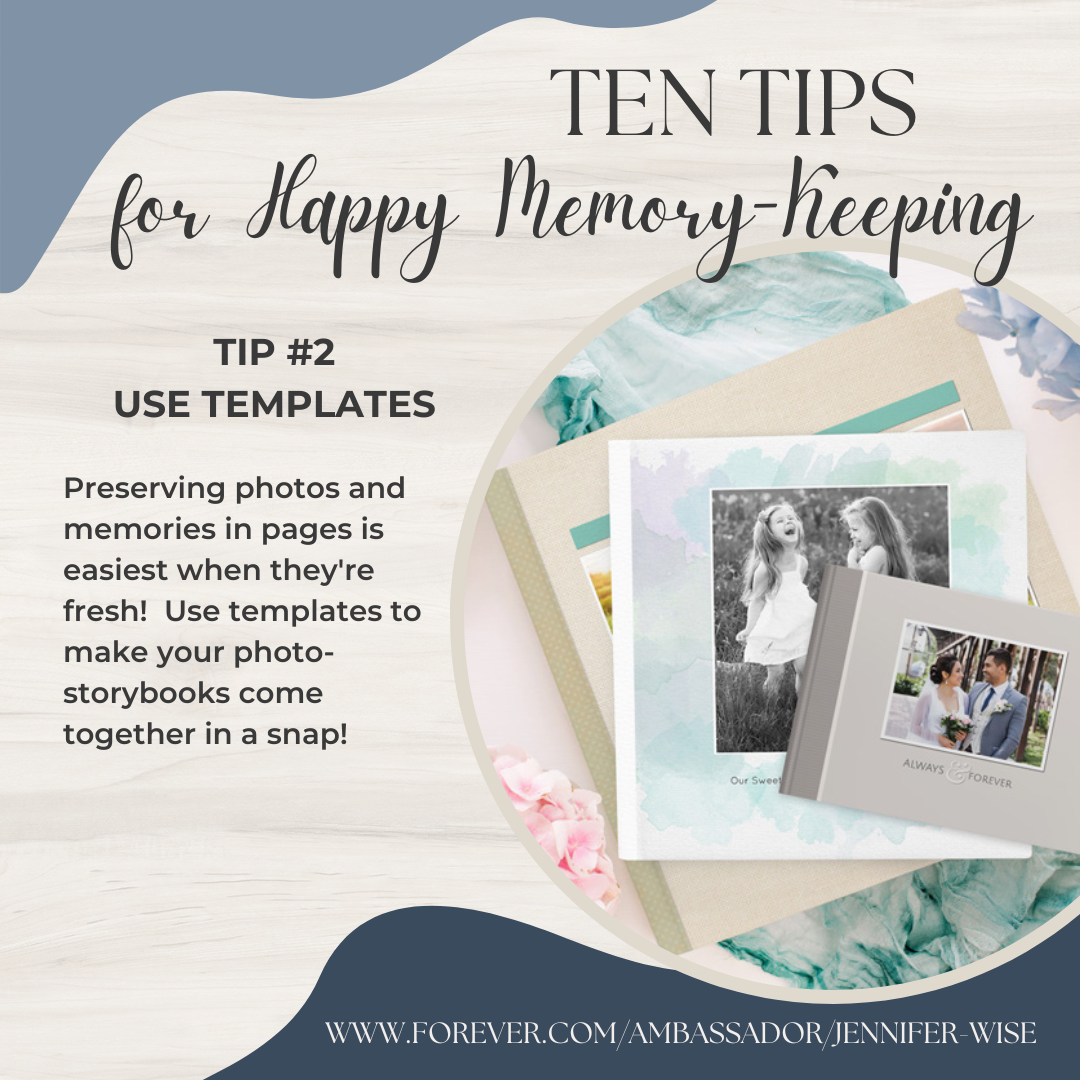
I really don't have a favorite tip, but this might be one of them because I've seen what a HUGE difference templates make in people's ability to love their memory-keeping when they preserve photos in pages.
NOTE: I am a Forever affiliate (a decision I made because I love it so much), so you will find affiliate links in this post, from which I earn a commission if you make a purchase, at no extra cost to you.
And #3 is doable, I promise. It helps like nothing else!
A mindset shift can really make a difference, too! Looking at the benefits of interacting with your photos can help you prioritize making time for them.
I highly recommend Tip #6, particularly to anyone who just doesn't know where to start. It helps immensely!
This tip, #7, is the big one for me. It's why I have been "caught up" preserving my photos and memories--consistently--for about two decades.
I've seen tip #8 make a big difference in people's abilities to accomplish their memory-keeping goals.
In fact, I highly recommend that you take a few minutes to see the different options here because there's something for everyone. Choose whichever one looks good to you!
I honestly think Tip #9 is a bigger deal than most people realize.
And, last but certainly not least, is Tip #10.
Which of these tips is your favorite, and which one will make the biggest difference to you right now as you implement it? Tell me in the comments below.
Pin this image to save and share on Pinterest, or share on Twitter, Facebook, LinkedIn, etc., using the social media share buttons at the left.
Follow Photo & Story Treasures on social media here:
Can you imagine living in the mid-1800s when you might only have 5 or 10 photos of yourself or your loved ones taken during your lifetime?
One of the perks of living in the 21st century is that we can have all the photos we want of our loved ones, of special occasions and everyday events. The downside is that they do take up space. They take up digital space, or they take up physical space. (And we kind of get to choose which.)
If you're looking to downsize, say for an RV lifestyle or simply downsizing your home (or even just because you have too many photos to deal with), I'll share some top-quality ways to do it that don't take away from the connections that photos and memories are filled with.
Boy, do I have a treat for you! It's actually pretty amazing what we can do with our photos and memories these days while still preserving them and making them shareable!
Downsizing in General
Before we look at downsizing digitally and downsizing in print, let's talk first about downsizing in general.
That 21st century perk I mentioned earlier--having all the photos we want--is definitely a double-edged sword.
It's so, so sweet to catch unexpected moments and keep them forever, like the best photo after a long day at Disneyland
or that same little one in a quick, perfect pose with his big sister after his high school graduation.
It's how we see faces of those who have passed on, how we pass down family stories (trust me, this is a great & hilarious one),
This family story is called "handmade potato salad." I've never heard my grandmother laugh so hard.
and how we "meet" people we've never met.
These are the obvious, wonderful perks of being able to take and keep as many pictures as we want.
Sometimes, though, we take and keep more than we can even look at!
Have you ever thought about that? Do we--do you, do I?--have more pictures than we can look at?
One of the most important things we can do with photos today is downsize them so we don't have more than we can look at. I admit I am still learning to get good at this, but if we have more pictures than we can look at, we have too many for our children and their children to look at, too, which would be a shame. (See photos above!)
To downsize your photos, you simply choose your favorites. Choose the ones you can't live without. Choose the ones you absolutely love. Preserve those.
Maybe you come from a "we don't throw anything away" era, or maybe it's just hard to part with photos. It might take some practice. And that's ok.
Just remember: you want to pass on a gift, not a burden.
You want to share today's photos and memories in digestible amounts.
So be brave and be willing to pare down. 45 pictures from today's visit to the park are certainly fun and sweet, but just choose your favorites to keep. It will make you less overwhelmed with your photos, will take up less physical space in your house, and will take up less digital space on your computer/phone/cloud. And then those photos will be a gift, both now and later.
One way to downsize photos is to digitize them. Digital photos still "take up space," but if you're looking to avoid taking up physical space (for downsizing a home, for RV life, etc.), choosing digital or cloud space instead is an excellent option.
Photos taken on phones and digital cameras are already digital, but if you have boxes of printed photos, you can downsize them by making them digital, or "digitize" them, too.
You can do this by scanning the photos yourself or by hiring out the scanning to a professional. Find some DIY scanning options at this link (scroll down to the bottom), or consider the Forever Box for white-glove professional scanning services. In addition to being done by professionals (which I can't say enough about), it's easy and convenient, too. You can see the basic process in this 1-minute video.
Once your memories are digitized, you want to store them digitally in a shareable way. It really, really matters what company you choose to help you accomplish this.
NOTE: I am a Forever affiliate (a decision I made because I love it so much), so you will find affiliate links in this post, from which I earn a commission if you make a purchase, at no extra cost to you.
These are the most important things to know when choosing a cloud digital photo/video storage service:
Are my photos and videos private? (In other words: Will you not sell my data and/or photos? Yes, that is--shockingly--a thing!)
Are they guaranteed to still be at your site 10 or 50 or 100 years from now so I (and my family) can still access them?
Are they triple-backed-up using bank-encrypted security?
Can I pass them on to my children and/or grandchildren?
Can I easily share my digital photos, videos, and digital photobooks with others?
Will you update my file formats (.jpeg, .jpg, .png, .tiff, .mp4, .avi, .mov, .pdf, etc.) if they ever become obsolete so that they will still be readable and accessible in the future?
The best company out there to answer all these questions with a resounding YES is Forever, and when you have the (free) Forever app, you can easily access decades'-worth and generations'-worth of family photos, videos, and even audio files. That means you can easily share them with your friends and family!
I love that I can have easy access straight from my phone to show anyone pictures that I didn't take with my phone, like my baby pictures or photos of my grandparents' wedding. I love that I can store all my photos digitally and securely with Forever so that they don't take up storage space on my phone.
I can access my Forever Storage from my phone and tablet, too.
Forever Storage is, hands down, the way to go for downsizing all your memories digitally.
"Storing" photos isn't all there is to it, though. It's the SHARING that matters!
Photos by themselves aren't meaningful to anyone unless we know the stories behind the photos. Something I think is perfect about Forever Storage is that you can tag and add descriptions to your photos, like this:
The tags are down there in the bottom right in blue. I tagged this particular photo with both of our names along with "anniversary," "Europe," and "Germany." In Forever Storage, you can search tags, too, so if I want to search "anniversary" (or any of those tags I used), this photo will come up.
You can also see (at the right) a description of this photo. This is the story behind the photo--our memories! I was able to share photos with my family (using a link to this album in my Forever Storage) right after this magical trip, and they got the whole story because I added descriptions to the pictures!
I think this is the perfect way to have a sort of "digital scrapbook" without actually having a digital scrapbook. (BONUS: With Forever, you can have amazing digital scrapbooks, too, both digitally and in print! Stay tuned...)
Before we move on to how to downsize your photos in print, I'll share with you this video where I give you all the fantastic details of Forever Storage.
And you're always welcome to contact me if you have any questions. I want every family and every individual with photos and memories to be able to have Forever Storage!
Downsizing in Print
Yes, there is an increasing emphasis on storing and preserving and sharing photos and memories digitally these days--and it's an excellent way to downsize when physical space is an issue--but experts say we should preserve our photos and memories both digitally and in print.
So how can we downsize our printed memory-books, photos, and scrapbooks? Let me show you!
I was a paper scrapbooker for about 10 years before digital scrapbooking came along. Both types of memory-keeping allow for creativity and plenty of all-important journaling (writing down the memories that go with the photos), but as it turns out: digital scrapbooks are smaller than the old-fashioned kind. They don't take up as much room.
Going digital is definitely a space-saver! Those two scrapbooks shown above contain roughly the same amount of photos covering the same amount of time. The binder on the left is a 3-inch binder, which actually measures closer to 3 1/2 inches. The book on the right has a spine that measures a tad shy of 1/2 inch.
And there's more.
#1 When you create your digital scrapbooks with Forever, there's both an easy option that you can do in minutes, and there's also a flexible software option that you can get very creative with, if you prefer. (Both are printed on papers and with ink that are the highest quality in the industry.) Choose your favorite method here:
#2 Forever automatically gives you the PDF version of your scrapbook. (Not all companies do that, by the way.) And the PDF has a shareable link *once you've ordered it, so if I want to show you one of my scrapbooks, I can just give you a link, and you can look all the way through the "pages" right from your phone, tablet, or computer. (Like this: see my beach book here.)
*This is true for books you create with Forever's free Design & Print software (the easy option). If you created it using Artisan, Forever's digital scrapbooking software, it will have a share link as soon as you put it in your Forever account, whether you've printed it or not. See the "3 platforms" video above to learn more. Another option is to "share" your Forever account with close family by giving them the username and password so they, too, can see your digital books and the photos in your account.
When my sister-in-law asked me about Artisan software, it was so easy to just send her my whole 2022 Yearbook in a couple of clicks. She looked through my entire year in scrapbook form just on her phone.
This is how you share a PDF with someone. It's so easy:
Preserving your photos and memories digitally in printed books using one of the 3 methods mentioned earlier (in the "walk through" video) is great for already-digital photos you haven't preserved yet, but what if you have gigantic scrapbooks like my big binder (below) that you want to downsize?
Scanning old scrapbook pages and putting those scans into a digital scrapbook is one popular option. Similar to the printed photos I mentioned in the "Downsizing Digitally" section, you can scan scrapbook pages yourself or let the professionals do it at the Forever Digitizing Center. If you've got 12x12 scrapbook pages, finding a big enough scanner on your own can be challenging, but the folks at Forever Digitizing have that capability (with white-glove care).
You'd need a Forever Specialty Box for your large scans instead of the regular Box, but the same process you saw in the video a few minutes ago still applies. You can get your Forever Box(es) here.
This is a great tutorial from the Forever home office showing you how to put scanned photos in a simple book with a quick auto-fill!
If you're in need of some photo and/or scrapbook downsizing, downsizing your photos in general is a great place to start--just because we can take 500 pictures a day doesn't mean we should. Plus, there are some excellent ways to downsize both digitally and in print.
What downsizing tip is the best one for you today? Let me know in the comments.
Save this post on Pinterest using this image, or share on Facebook, Twitter, or email using the social media share buttons at the left.
Follow Photo & Story Treasures on social media here:




.jpg)


